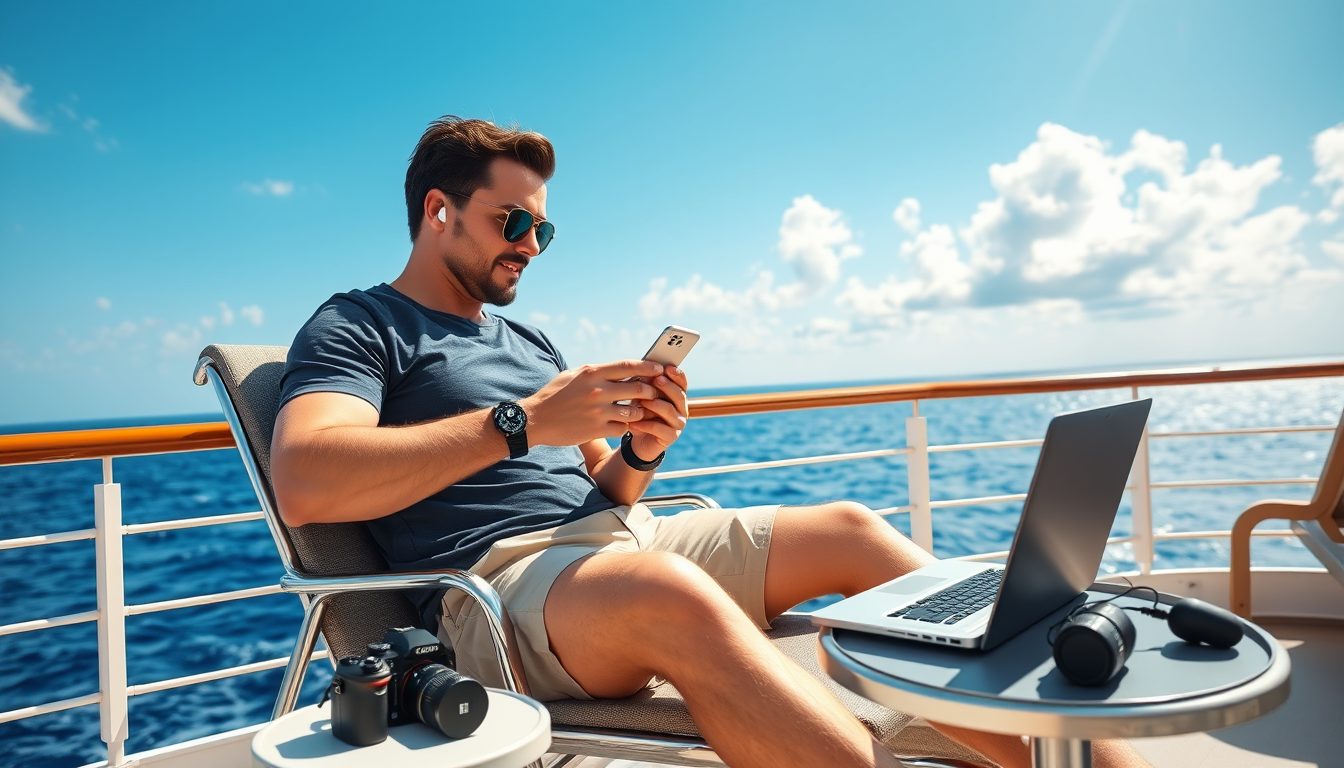
Bringing electronics on a cruise can make your vacation smoother, more connected, and more fun.
But cruise lines have strict rules — and ignoring them could mean losing your gear at embarkation.
From drones and gaming consoles to power strips and Wi‑Fi hacks, knowing what’s allowed is essential.
This guide breaks down cruise tech policies by line so you can pack smart, stay connected, and avoid surprises.
Know What Tech You Can Bring Onboard Without Risk of Confiscation
Most cruise lines allow passengers to bring electronics, but there are guidelines to ensure safety and functionality.
Typically, you can bring smartphones, laptops, tablets, cameras, and e-readers without issue.
However, restrictions may apply to items like surge protectors, drones, or high-wattage devices.
Here are some general tips:
- Check power requirements: Cruise ships have specific outlets, often with lower wattage limits.
Bring a universal adapter if you’re traveling internationally or unsure of the ship’s plug type.
- Avoid overloading outlets: Power strips without surge protection are usually permitted, but those with surge protection can be a fire hazard and are often confiscated during luggage screening.
- Keep devices in your carry-on: Always pack electronics in your carry-on bag to prevent damage or theft during luggage handling.
- Be aware of shipboard policies: Some cruise lines inspect electronics at embarkation to ensure compliance with safety regulations, so have items like chargers and adapters easily accessible for checks.
- Research device compatibility: Some cruise lines have ship-specific apps that require smartphones or tablets for onboard functionality, making them essential.
Unlock Your Dream Cruise with Exclusive Online Deals!

Compare Cruise Line Rules to Avoid Tech Surprises at Boarding
Each cruise line has its own rules about electronics.
Knowing these policies ahead of time can save you from surprises at boarding.
Royal Caribbean
Royal Caribbean allows most personal electronics.
However, they prohibit items like extension cords with surge protection, irons, and certain gaming consoles that require a lot of power.
Their Wi-Fi packages, such as VOOM, allow for streaming, so bringing laptops or tablets for entertainment is popular among travelers.
Royal Caribbean also offers USB outlets in some staterooms, which can be useful for charging multiple devices.
They also provide smart apps like “Royal Caribbean App” to manage dining, activities, and itineraries directly from your smartphone.
For photographers, Royal Caribbean’s policies permit high-quality cameras and accessories, but larger professional equipment might require pre-approval.
If you’re an amateur photographer, you’ll enjoy the scenic views and onboard photo opportunities without additional hassle.
Carnival Cruise Line
Carnival permits standard electronics like smartphones, cameras, and tablets.
However, they strictly prohibit hoverboards, drones, and irons.
The “Hub App” allows guests to manage daily schedules, book excursions, and even order food to specific locations onboard.
Carnival also features a tiered Wi-Fi structure: Social Wi-Fi for apps like Instagram and Facebook, Value Wi-Fi for casual browsing, and Premium Wi-Fi for streaming.
Gamers might find Carnival’s policies accommodating for handheld consoles, provided they don’t interfere with the ship’s power limits.
Additionally, Carnival offers plenty of onboard entertainment like trivia and movie nights, which can reduce reliance on personal devices.

Grab Your Ticket to Paradise with These Deals!
Norwegian Cruise Line (NCL)
Norwegian Cruise Line has similar policies to Royal Caribbean and Carnival.
They restrict items like irons and surge protectors but allow personal gadgets such as smartphones and laptops.
Norwegian’s Wi-Fi options include basic packages for browsing and premium plans for streaming, which are ideal for guests who want to stay connected.
NCL also offers “Freestyle Daily,” a digital planner that integrates with their app.
This planner helps you navigate onboard activities without needing paper schedules, making it an eco-friendly option.
Additionally, the line encourages the use of portable charging devices for excursions.
Disney Cruise Line
Disney Cruise Line is family-focused, so electronics like tablets and handheld gaming consoles are common among guests.
Disney bans drones and hoverboards but provides “Wave Phones” for onboard communication, minimizing the need for personal cell phones.
Families can stay connected without worrying about Wi-Fi charges.
Disney’s Wi-Fi packages include options for messaging, web browsing, or full streaming.
Their ships also include USB ports in many staterooms, ensuring everyone can charge their devices.
For gamers, Disney offers onboard arcades and gaming lounges, which are a hit with kids and teens.
Celebrity Cruises
Celebrity Cruises is known for its luxurious and tech-savvy approach.
Standard electronics are permitted, and many staterooms include multiple USB ports for convenience.
Their “Celebrity Xcelerate Wi-Fi” ensures reliable connections for guests needing to work or stream content during their vacation.
Smart staterooms on Celebrity ships enhance the tech experience by offering tablet-based controls for lighting, climate, and entertainment systems.
Guests can also access the “Celebrity Cruises App” to manage their onboard experience, from booking excursions to reviewing daily activities.
Click for Exclusive Offers on Top Cruise Lines!
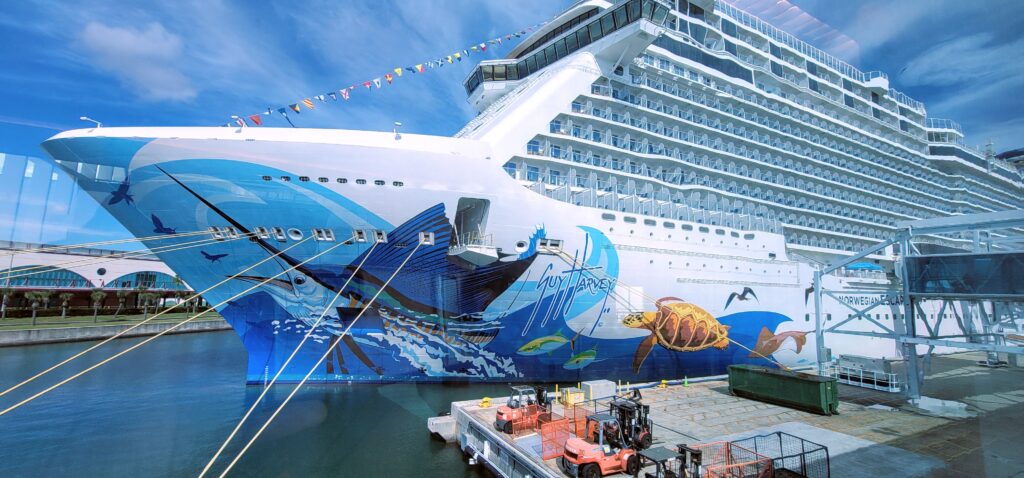
MSC Cruises
MSC Cruises embraces technology with their “MSC for Me” app, which allows guests to stay informed about activities, dining, and entertainment onboard.
Personal electronics like laptops, tablets, and smartphones are permitted, but high-wattage devices like kettles and irons are banned.
For families, MSC provides kids’ areas equipped with technology and interactive features to keep younger passengers entertained.
Their Wi-Fi packages are tiered, offering basic connectivity or higher-speed options for video streaming and work-related tasks.
MSC’s premium cabins often include extra charging outlets and advanced amenities, making them a great choice for tech enthusiasts.
Avoid Drone Confiscation by Knowing Cruise and Port Rules in Advance
Drones are a gray area when it comes to cruise ship policies.
While most major cruise lines like Carnival and Royal Caribbean prohibit flying drones onboard, some may allow you to bring one for use at port stops.
Be sure to check with your specific cruise line and the regulations of the ports you’ll visit.
Always pack your drone in your carry-on and ensure it’s powered off during the journey.
Drones are increasingly popular for capturing aerial footage of destinations, but remember that operating them can be restricted by local laws at port stops.
Some cruise lines, like Norwegian and MSC, may have special storage policies for drones, requiring you to check them in with the ship’s security team when not in use.
Bring Your Console Without Issues by Following Cruise Gaming Rules
Gaming consoles like PlayStation, Xbox, and Nintendo Switch are usually allowed but with some limitations.
These devices can consume significant power and bandwidth.
Some cruise lines, like Disney and Norwegian, permit their use in staterooms but may restrict online gameplay due to bandwidth constraints.
If you’re bringing a console, remember to pack necessary cables and verify the compatibility of your device with the ship’s TV system.
Some cruise lines, like Royal Caribbean, offer gaming lounges or dedicated areas for video games, which might reduce the need to bring your console onboard.
For family cruises, these areas are popular spots for kids and teens.

Experience Luxury Cruises at Unbeatable Prices Today!
Stay Online at Sea With Wi‑Fi Tips That Keep You Connected
Wi-Fi is available on most cruise ships, but the quality and price vary widely.
Here are some tips to stay connected:
- Purchase a Wi-Fi package: Many cruise lines offer tiered plans for basic browsing or streaming.
Research the specific packages offered by your cruise line to choose one that meets your needs, whether you’re browsing social media or streaming movies.
- Use ship apps: Apps like Carnival’s Hub App or Royal Caribbean’s Cruise Planner can help you navigate the ship and communicate with your group.
Many of these apps also offer free onboard features like daily schedules, restaurant reservations, and excursion details.
- Download content before boarding: Streaming services like Netflix, Amazon Prime Video, and Spotify allow you to download movies, shows, and playlists to use offline.
This is especially helpful for sea days when internet speeds can be slower.
- Leverage free options: Some cruise lines, like Disney, offer free apps for onboard schedules and messaging, which can help reduce Wi-Fi needs.
Additionally, certain cruise lines provide limited free Wi-Fi minutes for basic communication, so check if this is an option.
- Bring a mobile hotspot: While most hotspots won’t work at sea, they can be useful during port stops where local cellular networks are accessible.
Just make sure your plan includes international coverage.
- Time your usage: Internet speeds are often faster during non-peak hours, like early mornings or late evenings.
If you need to send large files or make video calls, plan to do so during these times.
Staying connected can enhance your cruise experience, whether for entertainment, work, or keeping in touch with loved ones back home.
Be mindful of usage limits and additional charges to avoid unexpected costs.
Keep Your Tech Powered with Cruise Charging Tips That Prevent Hassles
Charging your electronics on a cruise ship requires a bit of planning.
Most cabins have limited outlets, so consider these tips:
- Bring a power strip without surge protection: These are usually allowed and can give you extra charging options.
Opt for a compact power strip with multiple USB ports to maximize efficiency while saving space.
- Use portable chargers: A power bank is a lifesaver for excursions or if outlets are limited in your cabin.
Choose a high-capacity power bank to ensure you have enough juice for multiple charges.
- Check plug types: If you’re sailing internationally, ensure your devices are compatible with the ship’s outlets or bring an adapter.
Some ships use European-style outlets, so verify this detail before boarding.
- Invest in multi-device chargers: Chargers with multiple USB ports or wireless charging pads can help you keep all your gadgets powered without needing extra outlets.
These are particularly useful for families traveling with multiple devices.
- Consider solar chargers for excursions: If you plan to spend extended time outdoors, a portable solar charger can be a great way to keep your devices powered during shore excursions.
- Label your cables and chargers: With limited outlets and many passengers, there’s always a risk of mix-ups.
Use color-coded labels or tags to ensure your items don’t get lost.
- Plan charging schedules: If you have multiple devices, charge them overnight or during times you’re out of the cabin to make the most of available outlets.
Coordinate with cabin mates to avoid outlet conflicts.
Properly planning how to charge your devices ensures they’re always ready for use, whether you’re taking photos, navigating with ship apps, or staying in touch with loved ones.
Avoid Packing Electronics on the Cruise Confiscation List
While most personal electronics are allowed, here’s a list of items commonly prohibited:
- Surge protectors
- Extension cords
- Irons or steamers
- High-wattage devices (e.g., coffee makers)
- Drones (use varies by cruise line)
- Hoverboards or electric scooters
Always consult the cruise line’s prohibited items list before packing.
Security screenings at embarkation will confiscate restricted items, and they may not be returned until the end of the cruise.
Pack Smart With Cruise Tech Tips That Save Time and Prevent Problems
- Keep essentials in your carry-on: Items like chargers, headphones, and your smartphone should always be with you.
Pack them in a protective case to avoid damage during transit.
- Use a waterproof case: Protect devices like phones and cameras during excursions, poolside activities, or beach trips.
Saltwater and sand can damage electronics, so investing in a high-quality waterproof case is essential.
- Label your gadgets: To avoid mix-ups, especially if traveling with family or groups, label your devices and accessories.
Personalized tags or stickers can make identifying your belongings much easier.
- Check roaming settings: Turn off cellular data and use airplane mode to avoid international roaming charges.
Connect to the ship’s Wi-Fi for communication and app usage.
- Plan for downtime: Bring downloaded movies, music, or e-books to keep entertained during sea days when internet connections might be slow.
Offline apps, like games or language learning tools, can also be fun and useful.
- Invest in protective gear: Anti-glare screen protectors, durable cases, and shockproof covers can safeguard your devices from accidental drops or spills onboard.
- Carry extra batteries: For cameras, handheld gaming consoles, or other gadgets, extra batteries can be a lifesaver, especially on long excursions where recharging isn’t possible.
- Keep devices organized: Use a travel electronics organizer to neatly store cables, chargers, power banks, and small devices.
This helps avoid the frustration of tangled cords or misplaced items.
- Use cloud storage: Back up important files, photos, and videos to cloud services like Google Drive or iCloud before your trip.
This ensures your memories are safe even if something happens to your device.
- Be mindful of public charging stations: Use USB data blockers or charge-only cables when plugging into public USB ports to prevent data theft.
Cruise With Confidence Using Final Tech Packing Tips for Peace of Mind
Bringing electronics on a cruise doesn’t have to be complicated. Understanding your cruise line’s policies and planning ahead ensures a smooth experience.
Whether you’re capturing sunsets with your camera, enjoying movies on your tablet, or staying connected with loved ones, packing the right tech gadgets can enhance your vacation.
Just remember to follow the rules, use the ship’s resources wisely, and enjoy your time at sea!
By planning smartly, you’ll ensure your devices are ready to help you make the most of your journey, leaving you free to focus on fun, relaxation, and making lasting memories.
FAQ – Cruise Electronics Rules That Keep You Connected and Compliant
Which electronics are always allowed on a cruise?
Most cruise lines allow smartphones, laptops, tablets, cameras, and e‑readers without issue.
These devices support entertainment, communication, and capturing memories at sea.
Always pack them in your carry‑on to prevent damage or loss during luggage handling.What electronics are commonly banned or confiscated?
Items like surge protectors, irons, steamers, drones, and hoverboards are typically prohibited.
High‑wattage appliances such as coffee makers are also on most banned lists.
Check your cruise line’s official prohibited items list before packing to avoid surprises.Can I bring a drone on a cruise?
Most cruise lines ban drone use onboard, but some allow them for use at port stops.
Always confirm both cruise line and port regulations before traveling with a drone.
Pack drones in your carry‑on and keep them powered off during the journey.Are gaming consoles allowed on cruise ships?
Handheld and standard gaming consoles are usually permitted in staterooms.
Some lines may restrict online gameplay due to bandwidth limits.
Bring all necessary cables and check compatibility with the ship’s TV system.How can I stay connected to Wi‑Fi at sea?
Purchase a Wi‑Fi package that matches your needs, from basic browsing to streaming.
Use the cruise line’s app for free onboard features like schedules and reservations.
Download entertainment before boarding to reduce reliance on slower connections.What’s the best way to charge devices in my cabin?
Bring a power strip without surge protection to expand charging options.
Use portable chargers for excursions or when outlets are limited.
Check plug types in advance and bring adapters if sailing internationally.How can I protect my electronics during excursions?
Use waterproof cases for phones and cameras to guard against water and sand.
Label devices and accessories to prevent mix‑ups in group settings.
Carry extra batteries or power banks for long days away from the ship.
Plan Your Next Cruise!

Sail Into Italian Elegance: Costa Cruises for Culture, Cuisine, and Unforgettable Voyages
Costa Cruises delivers an authentic Italian experience at sea, blending culture, cuisine, and world-class hospitality. Each ship is a floating tribute…

Sail Into Timeless Luxury: Cunard Cruises for Transatlantic Elegance and Destination‑Rich Voyages
Cunard Cruises blends the romance of classic ocean liners with the sophistication of modern luxury travel. Each voyage offers a seamless…

Discover Silversea Cruises: Ultra‑Luxury Voyages to the World’s Most Exclusive Destinations
Silversea Cruise Line redefines luxury travel with intimate, all‑suite ships that blend elegance, adventure, and personalized service. From the sun‑drenched Mediterranean…

Sail the World in Style: MSC Cruises’ Innovative Ships, Luxury Amenities, and Global Adventures
MSC Cruises delivers a modern, elegant cruise experience that blends cutting‑edge ship design with world‑class entertainment and dining. From the LED‑sky…